
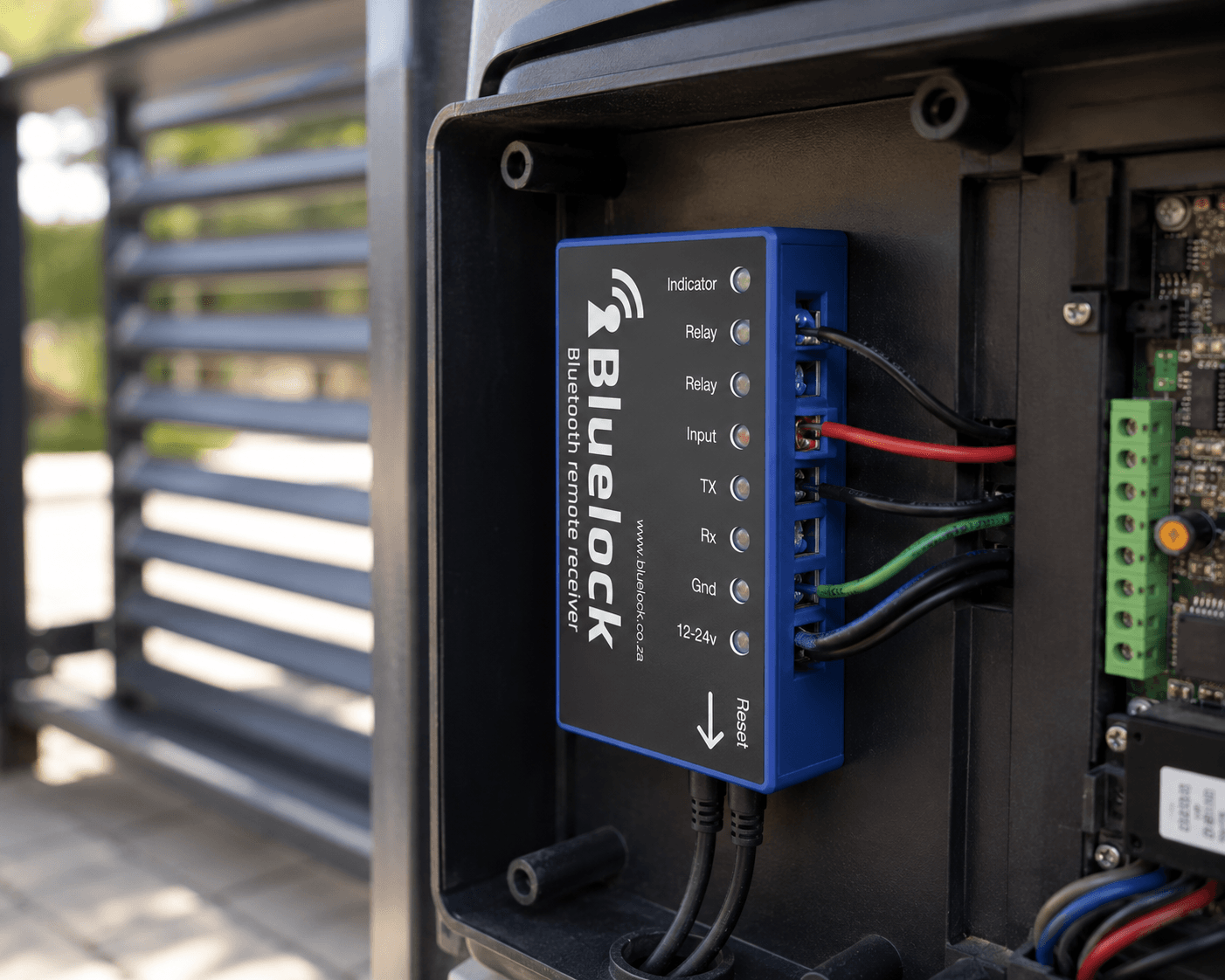
Bluetooth smart-lock concepts, practical benefits and important compatibility limits.
Introduction
A door or gate is an important part of a property’s security, and a compatible phone-based access system can add convenience. Bluetooth access normally requires the authorised phone to be within working range of the receiver. It may reduce reliance on additional keys, fobs or remotes, but the connected equipment and installation determine which conventional access methods remain available.
It is expensive to replace lost keys and fobs. Some people find it difficult to remember their house key when they are out and about, and remotes are often misplaced.
What is a Bluetooth smart lock?
A Bluetooth access device communicates locally with a supported phone. Local Bluetooth communication does not inherently require an internet connection, although a particular app may use internet services for account, sharing or recovery functions. Bluetooth and Wi-Fi signals are both affected by walls, metal, equipment placement, interference and device design; neither has a universal working range.
How does it work?
A Bluetooth lock is a security device that uses Bluetooth technology to connect to and unlock a door. This type of lock is activated when it is within close range of a Bluetooth-enabled device, such as a cell phone. When you are within range, the connected equipment can be activated through an authorised app action, allowing you to enter. When you move out of range or turn off your phone, locking behaviour is determined by the connected equipment.
For a compatible installation, nearby app-based operation can reduce the need to carry another physical credential. A suitable fallback remains important when a phone is flat, lost, unsupported or unavailable.
Benefits of installing a Bluetooth smart lock
Bluetooth can be one useful part of a wider access-control arrangement, but it is not a security guarantee by itself. The practical benefits depend on the product, connected entrance and way access is administered. Points to consider include:
1. Supported systems can give authorised users app-based access without issuing another physical credential.
2. Fewer everyday keys or remotes may need to be carried, while an appropriate backup method can still be retained.
3. A compatible receiver can add phone access without replacing the gate motor or other entrance equipment.
4. Existing remotes and other access methods can often remain available when the installation supports them.
5. Local Bluetooth communication does not inherently depend on Wi-Fi coverage at the entrance.
6. A familiar phone interface can make everyday operation easier for supported users.
7. Individual digital permissions can be easier to review than an unlabelled collection of shared remotes, where the system supports user management.
8. Where the selected product supports individual sharing, access can be assigned to authorised app users and reviewed when their need ends. This does not prevent deliberate account or phone sharing.
9. Removing a supported user can be more practical than retrieving a physical credential, provided the product documents that function.
10. Some systems can apply time limits to shared access; confirm the exact controls and expiry behaviour before relying on them.
11. Some systems provide access history associated with users, which can support permission reviews but should not be treated as continuous location tracking.
Conclusion
A Bluetooth access system may be convenient when it suits the entrance, users and support arrangements. Before choosing one, confirm compatibility, nearby operating conditions, phone support, permission management and the fallback procedure. For current Bluelock information, review how Bluelock works and the compatibility guidance.