
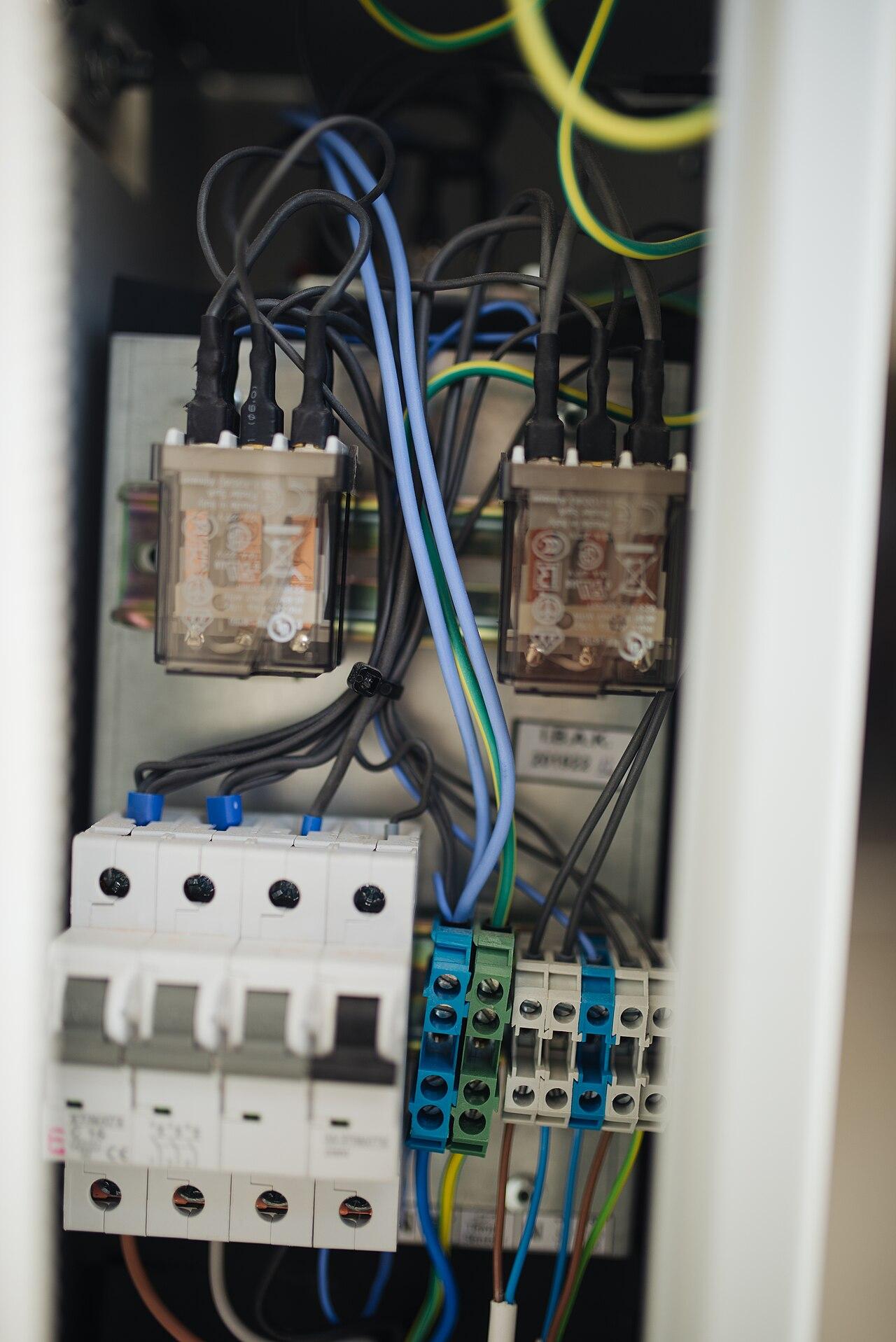
A planning guide to receiver installation without assuming universal wiring or power requirements.
Installing a Bluetooth receiver requires five checks before work begins: compatibility with the existing gate, garage door or entrance controller; the receiver’s power requirements; a suitable mounting position; protection from the local environment; and an approved way to connect it to the controller. Specific electrical work must follow the current documentation for both products and be completed by an appropriately qualified installer. A receiver should never be connected on the assumption that all motors, terminals or power supplies work alike.
Record exactly what is already installed
Can a Bluetooth receiver work with an existing gate motor? Possibly, but the motor’s make and model alone may not settle the question. The installer needs to identify the control board and its revision, then confirm whether it provides an appropriate external control interface. For a garage door, record the opener and controller model. For an electric lock, identify the lock, power supply and any separate entrance controller.
Photograph labels without opening live equipment and gather the current manuals. Note every receiver, keypad, intercom, loop detector, safety beam, battery system and manual release. Accessories may share inputs, power capacity or enclosure space. This survey supports a compatibility decision; it is not a substitute for an installer’s assessment.
Bluelock’s Compatibility page is a useful starting point, but it cannot replace assessment of the exact equipment on site. Request written confirmation if the combination is uncertain.
Be clear about what the receiver will do
A Bluetooth access receiver generally accepts an authorised request from a nearby phone and provides a control signal to compatible entrance equipment. The gate motor, garage-door opener or lock controller remains responsible for physically moving or releasing the entrance. The receiver does not add motor strength, repair worn mechanics or determine whether a gate is safe to move.
If the phone and receiver communicate but the entrance does not operate, the cause could lie in the controller, power, safety input, motor or installation. Smartphone access does not replace safety beams, obstacle detection, limits, interlocks or a manual release.
Confirm electrical compatibility from current documents
Before installation, compare the approved receiver documentation with the entrance controller’s manual. The installer should confirm:
- the receiver’s required supply voltage and whether a suitable source is available;
- whether that source has enough capacity for the additional device;
- the type and ratings of the receiver’s control output;
- whether the controller has a supported external input for the intended action;
- the protection, isolation and cable requirements specified by the manufacturers; and
- whether connecting an accessory affects approvals, servicing or warranty conditions.
Physical fit and a similarly labelled terminal do not prove electrical compatibility. Do not infer Bluelock voltage, current, relay configuration, contact ratings or pinouts from this guide. Obtain current product documentation for the exact receiver and follow the published installation instructions. For work that forms part of an electrical installation, South Africa’s Department of Employment and Labour advises owners to use competent, legally registered electrical contractors. The installer must determine what applies on site.
Choose the receiver position for the whole site
Where should a Bluetooth receiver be installed? In a documented, permitted position that supports phone communication, protected cabling and the stated environmental limits while resisting tampering. A steel controller cabinet may weaken radio communication; moving the receiver outward may increase exposure to rain, dust, heat or damage.
Assess normal phone-use positions. A driver may be inside a vehicle, while a pedestrian approaches along a wall. Inspect metal enclosures, reinforced walls, parked vehicles and other obstructions. Cable routes must remain protected, avoid water-entry paths and stay clear of moving parts.
Do not assume a weatherproof or IP rating. Preserve every documented enclosure, orientation and temperature requirement. A shaded position, an exposed coastal gate and a hot metal box present different risks.
Placement affects Bluetooth performance
There is no universal Bluetooth range. The Bluetooth SIG explains that effective range depends on transmit power, receiver sensitivity, antenna design and path loss. Walls, concrete and metal can weaken or scatter signals; phone hardware, receiver orientation and local radio activity also matter.
Test authorised operation from normal user positions with covers fitted and the site in its usual condition. Use representative supported phones where appropriate. A test beside an open box does not demonstrate operation from inside a vehicle after the enclosure is closed.
Decide whether existing controls will remain
Existing remotes, an intercom or keypad may sometimes continue alongside smartphone access. This depends on the controller’s interfaces, present connections and receiver configuration. The installer should document what will be retained, altered or removed and test each retained method.
Coexistence helps where some users lack compatible phones, but every credential type still needs administration. Removing an old receiver or changing an input is not incidental work.
Protect gate and pedestrian safety
An access signal is not proof that the travel path is clear. The installer should assess mechanical condition, travel limits, obstacle detection, safety beams, warning measures and emergency release under the manufacturer’s instructions. Do not direct pedestrians through an unsafe vehicle-gate process.
Test from safe positions with the area controlled. Never bridge or bypass an interlock or safety input. Agree responsibility for the receiver, entrance equipment and maintenance, especially on shared property.
Assess power failures and load shedding separately
During load shedding, the receiver and motor or lock controller each require usable power. Backup for one does not prove the other will operate. Battery condition, charger capacity, accessories and outage duration all affect availability.
Identify what is backed up, expected limits, safe manual release and battery maintenance. Establish whether local operation, setup, user changes or recovery need internet connectivity. This guide does not establish that Bluelock operates during an outage.
Commission the installation before accepting handover
A useful handover is a demonstration, not simply confirmation that the receiver powered on. Ask the installer to show:
- authorised operation from normal phone-use positions;
- what users see when Bluetooth, mobile data or other required connectivity is unavailable;
- operation of every retained remote, keypad or intercom;
- normal closing, obstacle detection and other existing safety functions;
- how users are enrolled and removed, where the product supports those functions;
- the approved response to a lost phone, failed receiver or unavailable administrator; and
- the product documents, warranty terms, installer record and support route.
Record the receiver, controller, installation date and installer. Store configuration information and administrator access securely, with an authorised backup person.
Pre-installation checklist
- Identify the motor, opener, lock and controller by exact model and revision.
- List existing remotes, receivers, keypads, intercoms and safety devices.
- Obtain current manuals and written compatibility confirmation.
- Verify supply, power capacity, control interface and required protection.
- Assess mounting position, phone-use locations, obstructions and tampering risk.
- Confirm environmental limits and any required enclosure.
- Plan protected cable routing without compromising safety systems.
- Decide which existing access methods must remain operational.
- Assess mains failure, backup power and safe emergency access.
- Define users, administrators, testing, maintenance and support responsibilities.
Good preparation gives the installer an exact equipment list and a clear operating requirement. It also makes the final decision evidence-based: proceed only when compatibility, power, placement, safety and fallback arrangements have all been confirmed for the real site.