
Compare nearby Bluetooth interaction with Wi-Fi-connected access control.
Bluetooth access control usually creates a nearby, direct wireless link between a phone and a compatible receiver. Wi-Fi access control connects a controller to a local network, which may also provide internet-based services if the product is designed for them. The practical difference is therefore not simply range: it is where the connection is made, which infrastructure it depends on and whether operation stays local or involves an online service.
How Bluetooth access control works
In a typical phone-based arrangement, an authorised user approaches the entrance and uses an app to communicate with a Bluetooth receiver. That receiver is connected to compatible gate, garage-door or door-control equipment. When the product’s checks succeed, the receiver gives the existing controller an appropriate trigger; the gate motor or lock performs the physical action.
How Wi-Fi access control works
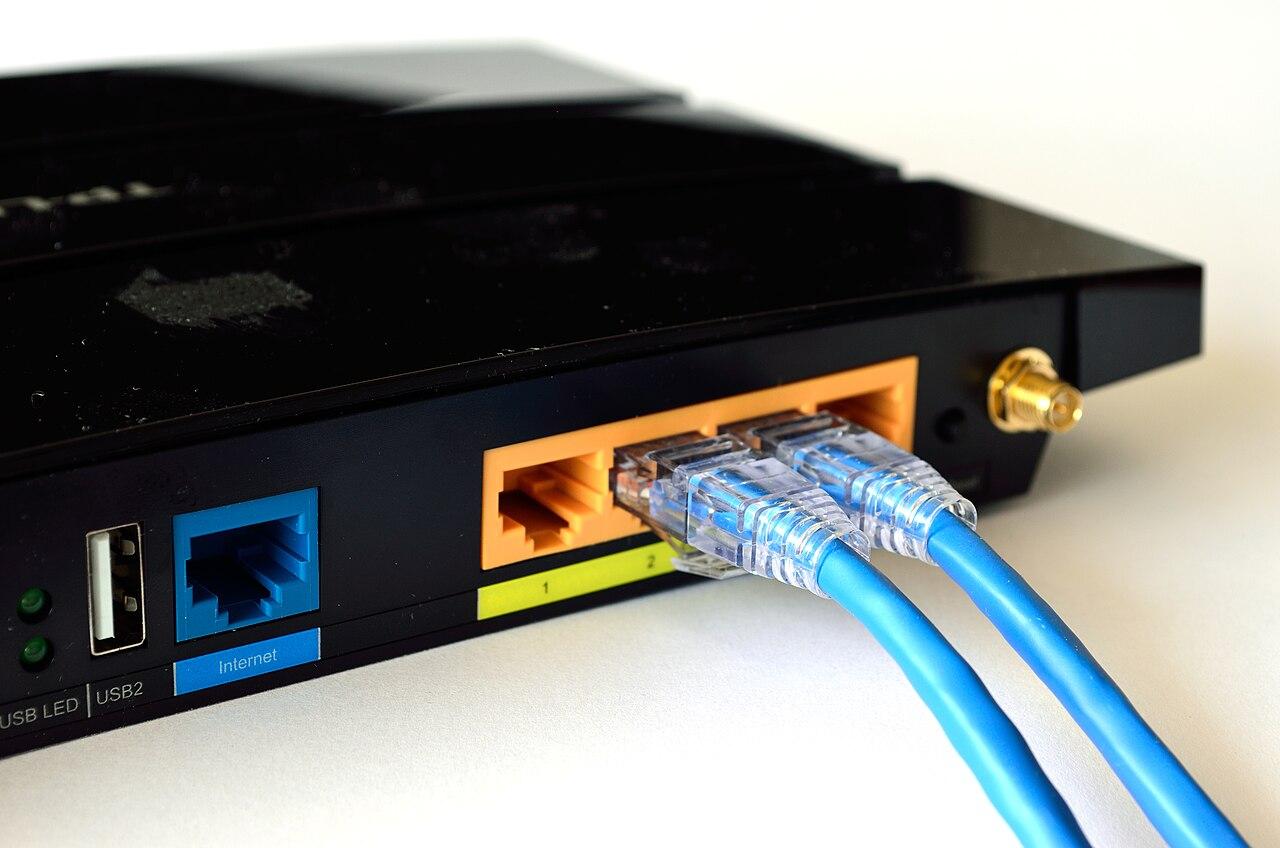
A Wi-Fi controller normally joins a wireless local-area network through an access point or router. A phone on the same network may communicate with it locally if the system supports local control. Alternatively, the device may connect through the internet to a supplier’s platform, allowing the user’s app or browser to send a request through that service.
These are different designs. A “Wi-Fi” label only identifies a networking capability; it does not prove that the product supports remote opening, local operation during an outage or any particular cloud service. The controller, router configuration, account service and entrance equipment must all support the intended workflow.
Does Bluetooth access control require internet?
Bluetooth communication between nearby devices does not inherently require an internet connection. A phone and receiver can exchange data locally. However, a particular access-control app may still need internet access for signing in, initially adding a user, synchronising permissions, recovering an account or performing another documented task.
For Bluelock, the verified public description is that its app communicates over Bluetooth with a Bluelock receiver connected to compatible electrically controlled equipment. The website does not establish every offline scenario, so readers should use the current Bluelock operation guide and ask support about any internet-dependent step that matters to their property.
Can Wi-Fi access control work without internet?
It can, if the system is specifically designed to process commands on the local network. The Wi-Fi access point and controller must still be powered and functioning, even when the external internet connection is unavailable. A cloud-dependent system may lose remote control or other online functions until connectivity returns. Some products may offer both local and cloud paths, but that must be confirmed rather than assumed.
Range and reliability depend on the site
Neither Bluetooth nor Wi-Fi has one dependable distance for every property. Reinforced walls, metal gates, equipment enclosures, vehicles, antenna position and nearby radio activity can change performance. The Bluetooth SIG’s range guidance identifies device design, radio characteristics and path loss through physical obstacles as relevant factors.
Wi-Fi additionally depends on coverage from the chosen access point and the health of the local network. A gate at the edge of a large plot may have weak coverage even when Wi-Fi works well inside the house. Adding an extender without proper testing can introduce another powered device and another point to maintain. Test from the normal approach and operating position, not only beside the controller during installation.
Is Bluetooth more secure than Wi-Fi?
No useful general answer is “yes”. Both technologies provide security mechanisms, but the result depends on the product implementation, configuration and administration. Bluetooth access can be weakened by poor pairing or authorisation design. Wi-Fi access can be exposed by weak router credentials, outdated firmware, insecure network settings or an unnecessarily internet-facing service.
Users should protect phones with screen locks, install supported updates and avoid sharing accounts. Administrators should remove access when a person no longer needs it and understand how a lost phone is handled. For Wi-Fi systems, change default router credentials, apply security updates and separate business or guest traffic where appropriate. NIST’s WLAN security guidance treats wireless protection as a lifecycle of configuration and monitoring controls rather than a single feature. NIST’s updated Bluetooth guidance likewise focuses on secure configuration and deployment.
Installation and ongoing maintenance
A Bluetooth installation typically needs the compatible receiver, suitable power, the correct connection to the entrance controller and app enrolment. Administration may include adding or removing authorised phones and keeping supported software current. Receiver placement should balance electrical suitability, environmental protection and usable wireless communication.
A Wi-Fi installation needs a compatible controller plus reliable local-network coverage and configuration. If internet features are required, the broadband service, router, supplier platform and user accounts become part of the operating chain. Router replacement, changed network names or passwords, firmware updates and cloud-service changes may require attention. In either case, a qualified installer should check the control input, power, safety equipment and existing access methods.
What happens during load shedding or an internet outage?
Wireless technology does not move the gate by itself. The motor, access receiver or controller, router where applicable, and any supporting equipment all need power. During load shedding, behaviour depends on which components have correctly maintained backup power. A charged phone cannot operate an unpowered gate motor, and a powered motor is not enough if the access interface has no supply.
During an internet outage, nearby Bluetooth communication may remain available if the specific product can complete the action locally and all equipment is powered. A locally controlled Wi-Fi system may also continue on a working local network. Internet-dependent authentication, cloud commands, notifications or administration may stop. Ask suppliers to describe each function separately instead of accepting a general promise that the system “works offline”.
South African property examples
For a free-standing home with an electric gate, local Bluetooth access may suit residents who normally operate the entrance while nearby and do not want the gate’s basic control path to depend on household Wi-Fi coverage. Compatibility with the motor still needs confirmation.
A small office may prefer a networked system where its verified features support central administration, but that introduces responsibility for the router, accounts and updates. A residential complex must also consider shared-equipment approval, administrator roles, visitor procedures, contractor access and the number of users. Garages or outbuildings may have different radio and power conditions from the main building, so each entrance should be assessed separately.
Which is better for an electric gate?
The better option is the one compatible with the gate controller and suited to the required operating model. Bluetooth may be appropriate when nearby phone operation and limited network dependency are priorities. Wi-Fi may be appropriate when a verified product needs local-network integration or documented internet-enabled functions. Neither choice makes an unsafe or poorly maintained gate acceptable.
Before selecting a system, answer five questions: must users be near the entrance; is reliable Wi-Fi available there; which functions must continue without internet; who manages permissions and updates; and what happens when power, a phone or the network is unavailable? Confirm the answers in current product documentation, obtain an installation assessment and retain a safe alternative access method. For verified Bluelock setup information, consult the receiver instructions and support guidance.